What is cURL

cURl stand for Command Line URL tool.
cURL let you talk to server directly from the terminal instead of using browser .
for eg rowser → talks to server with ui
cURL → talks to server using text command
what cURL actually does
request web page
send data to APIs
Downlaod filles
it send HTTP request ans shows you the raw server resonse just a pure network ciommunicaton
cURL Command
curl https://example.com
What happens here:
curl→ tool namehttps://example.com→ server address
Result:
Server sends HTML back
Terminal prints it
You just talked to a server without a browser.
why needed
we developer uses this beacuse
test APIs without frontened
help in debuggin backened issue
also check server responsee
cURL using WSL (Ubuntu)
WSL let you run Linux system inside your windows this is very important becuse most most producction serverrun on linux , so practicing in WSL ggives a more ralistic development setup
Example:
curl https://example.com
This command sends an HTTP request from the Ubuntu terminal to the server and prints the server response
Request ans Response in cURL
when to use cURL u are ssending request to server and receiving a respons bak . this is a communicaton model of web
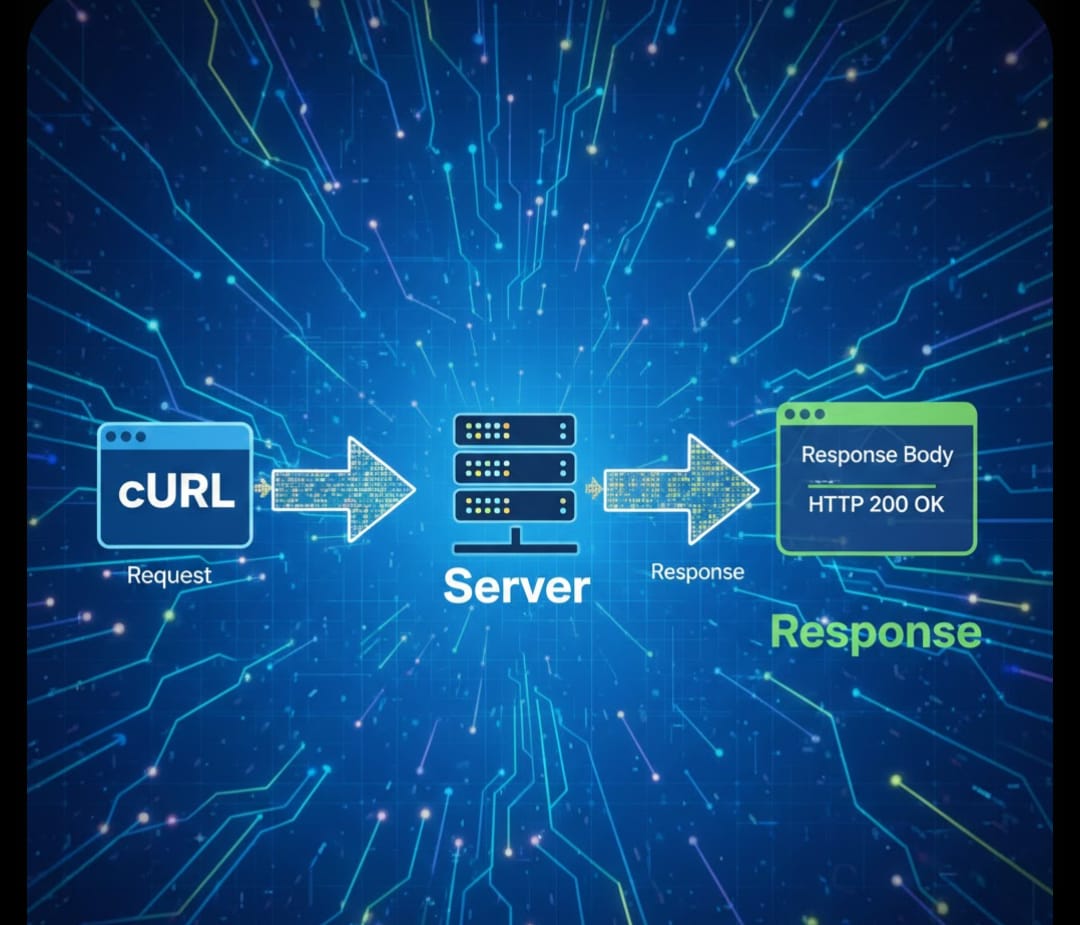
Request
a request is a message send fro your computer to a server asking for soehings
Response
it us a repluy sent by a server after processing your reuest . It is mailny conatain 2 important part
Status code
it tell us what happen to your code
examples:
200 OK → Request successful
404 Not Found → Resource does not exist
500 Server Error → Server crashed or failed
this help developer to undersstand whether the request worlked or fail
- Data Returned (response body)
this is the actual content sent by a server
it can be -
html
json
text or file
Seeing Status and Data Together
Use this command:
curl -i https://example.com
-i shows:
Response headers (including status code)
Returned data
This gives a full picture of the server response.
Simple Flow Summary
cURL sends request
Server processes it
Server sends response
Terminal displays result
This request–response cycle is how every website and API works.
Talk to APIs
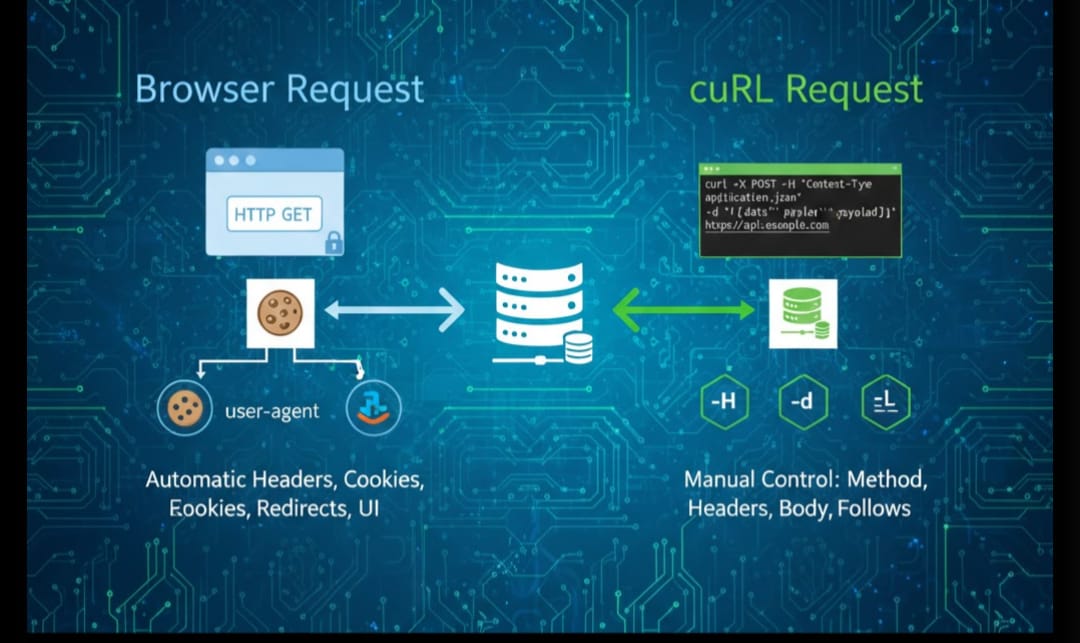
APIs are the server that return data instead of web pages. cURL is commomly used to test these APIs directly from the terminal
Making a Simple API Request (GET)
Example:
curl https://api.github.com/users/octocat
What happens:
cURL sends a request to the API server
Server responds with JSON data
Terminal show the response
Using cURL in Backend Development
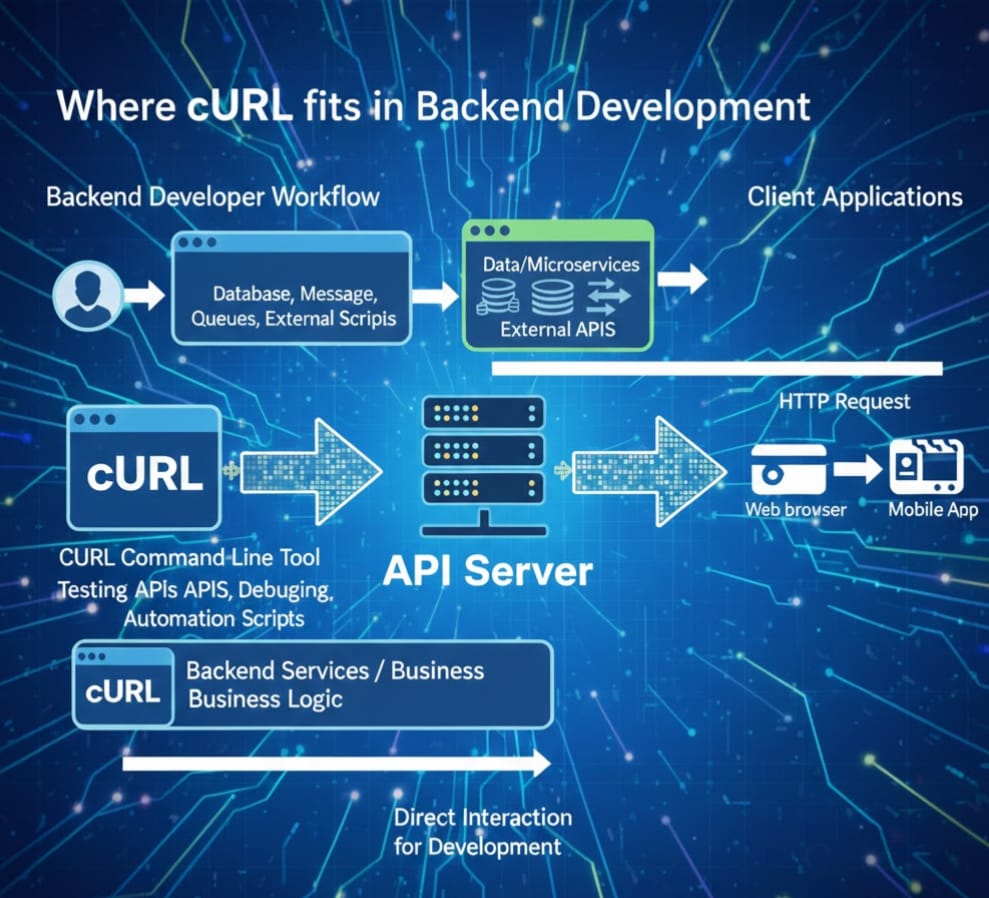
In backend development, cURL is used to test, debug, and interact with server APIs directly without relying on frontend applications.
Backend developers use cURL to:
Test API endpoints
Verify server responses
Debug request errors
Simulate client requests
Check authentication and headers
Example: Testing a Backend API
curl https://api.example.com/users
This sends a request to the backend server and returns JSON data. It helps developers confirm whether the API is working correctly.
Why cURL Is Important for Backend Developers
cURL gives direct control over HTTP communication. You can:
Send requests manually
Inspect raw responses
Validate status codes
Debug server behavior
This makes cURL an essential tool for backend testing and troubleshooting.
commonn mistakes
Expecting a websitie interface
Not checking status code
copy pasting cmd without undrstanding
mixing GET and POST oncept
GET = FETCH DATA
POST = SEND DATA


